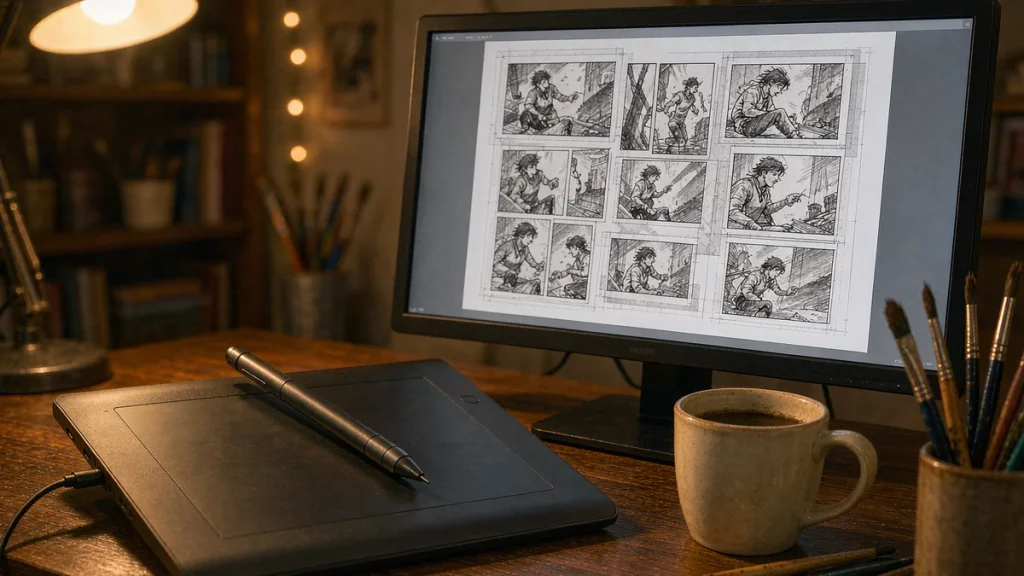
Clip Studio Paint is the drawing app most serious webtoon and manga artists actually use. The buying question is almost never “should I use it” but “EX or PRO”. Both are one-time purchases or subscriptions, and both run on the same paint engine. The feature gap is far narrower than the price gap suggests.
If you pick wrong, you either overpay for tools you will never touch or you hit a wall the first time you try to export a finished comic. That wall is the whole reason the two tiers exist. Everything else is polish.
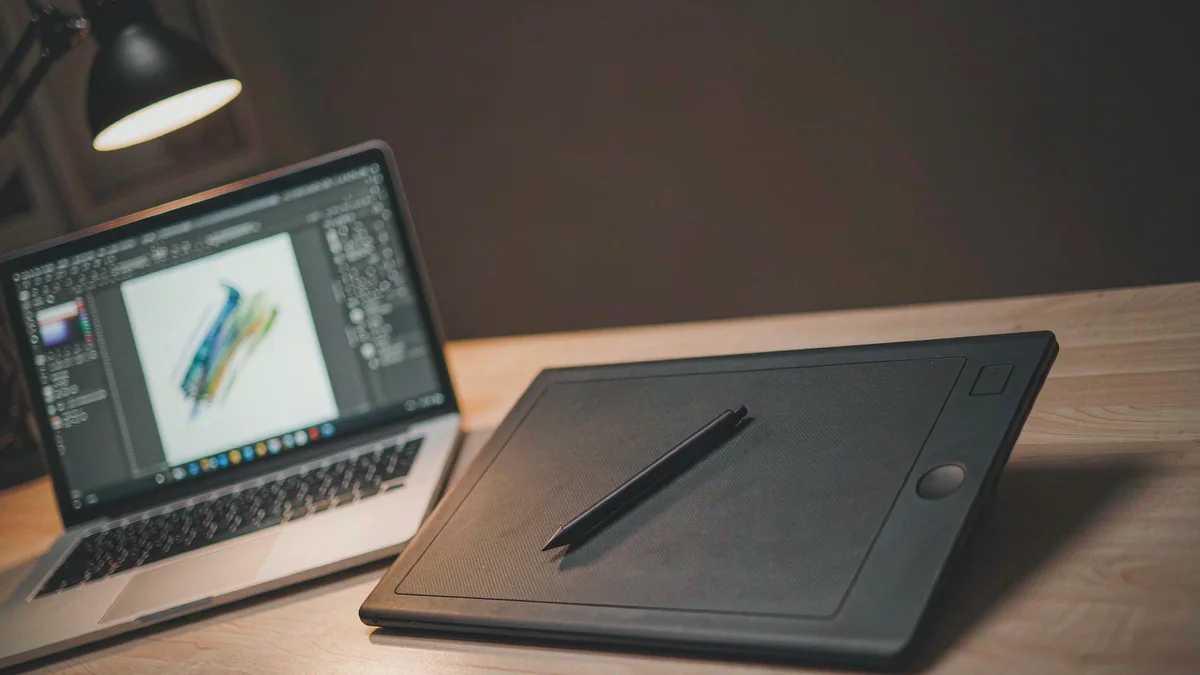
PRO covers the daily work of a single-page illustrator without compromise. You get the full brush engine with vector layers and 3D reference models, plus every export format you normally need. For someone drawing standalone illustrations or character sheets, PRO is the entire job.
I have watched people buy EX and never open half of it. The limit they hit is scope, not quality. PRO treats your project as one canvas. The moment your work becomes a series, that single canvas starts to feel small.
The moment you want to manage a 20-page chapter, batch-export pages with consistent filenames, or run longer animation timelines, you are in EX territory. That is exactly where the cheaper tier quietly stops being enough. It is not a quality difference. It is a workflow ceiling you only notice after the fact.
PRO already handles short animation. You can make a few seconds of frames and export them as a clip. The ceiling is low, but it exists and it is enough for a looping sticker or a quick reaction GIF.
EX removes that ceiling entirely and lets you build longer sequences with sound and camera moves. If animation is a hobby you dabble in, PRO is fine. If you intend to finish an actual short, EX is the version that will not fight you every step of the way.
One thing that surprises newcomers is how much of the toolset is identical between the two. Brushes, rulers and perspective guides all behave the same in both tiers. You are not buying a better engine with EX. You are buying the ability to organize and output work at scale.
That distinction matters because it changes how you should think about the purchase. If your output is always a single image, the extra money buys you nothing you will feel day to day. If your output is a series, the same money removes a friction you would otherwise fight by hand on every release.
Where EX actually earns the money
EX adds the things that matter only if your work is multi-page or animated. The hard line between the two tiers shows up in a handful of capabilities, and almost nothing else.
| Capability | PRO | EX |
|---|---|---|
| Multi-page project management | No | Yes |
| Batch export (pages, layers, webtoon slicing) | No | Yes |
| Animation timeline length | Capped at short clips | No limit |
| Story file with page order and thumbnails | No | Yes |
| Perpetual license typical sale price | Lower | Higher |
If you are a webtoon artist, a comic letterer, or anyone exporting a book, EX pays for itself in the first project. The batch export alone saves hours you would otherwise spend renaming files by hand. That is real money if your time is worth anything at all.
The subscription deserves suspicion. Clip Studio Paint sells monthly plans with a heavily discounted first year, then the price jumps to the standard rate. For a tool you intend to use for years, the perpetual license wins on simple math. The subscription only makes sense if you are unsure you will still be drawing in six months.
And even then, the trial covers that period for free. One wrinkle worth knowing is regional pricing. The Japanese store has historically listed lower local prices, and some buyers create a Japan-region account to buy there. That is a legitimate storefront option, not a trick.
But it complicates later support and payment, so I would only bother if the saving is large for you. Most US buyers are better off with the standard store. The difference rarely justifies the extra account you would have to manage and the tax questions it raises.
The details that change the math
Clip Studio Paint on iPhone and Android is genuinely usable for sketching, and the free tier is generous enough for travel. The desktop license does not include mobile automatically. Check the bundle before you assume one purchase covers every device you own.
The mobile free tier is not a teaser that expires. On phones you can draw for an hour a day at no cost, and on some Galaxy devices the full app has been offered free as a long-running promotion. If your only goal is occasional sketching on the go, you may never need to pay at all.
The upgrade path is kinder than a full repurchase. If you own PRO and later need EX, you can pay the difference to open the higher tier. Plan for that instead of buying EX on day one “just in case” you might someday need it.
Students get a deep discount on both tiers with verification. If you are in school, never pay list price for this software. The educational license is the same program at a fraction of the cost, and it lasts through your studies.
License management is another quiet gotcha. A perpetual license is tied to a device count, and you should deactivate it before selling or reformatting a machine. People who forget this lose an activation and then wait on support to recover it. Treat your license like a physical key, not a cloud login.
The asset store is the part regular reviewers skip. Clip Studio Assets lets you download brushes, tones and 3D models that other artists share. Many are free, and they extend either tier without changing your plan. It is a reason the app feels larger than the box price suggests.
How does it compare to the obvious alternatives? Procreate on iPad is cheaper and brilliant for single illustrations, but it has no multi-page comic tools and no desktop version. Photoshop is the industry default for photo work yet awkward for sequential art, and it is priced as a subscription you never stop paying. Clip Studio Paint sits between them: built for comics, owned outright, present on both desktop and mobile.
And the free tier is the part to test first. But most buyers skip it and pay for a tool they never fully use. So try the trial before spending. Then decide.
The free iPad version deserves a mention for tablet-only artists. It is not the same as the phone free tier and it is not a time-limited trial. If you draw only on a tablet, test it before assuming you need the paid desktop build at all.
If you are deciding between the two right now, the safe play is PRO plus the trial. Run a real project through it. When you hit the batch-export or page-management wall, the upgrade cost is simply the difference to EX, not a second full purchase. That staged path keeps your early spend near zero while still leaving the door open.
Who should skip both tiers? Someone who draws once a month and never finishes a piece. The free tier covers that person completely. Paying for either version only makes sense once the work has a deadline or a real page count behind it.
The subscription is a try-before-you-buy path, not a cheaper forever plan. Do not let the monthly discount talk you into a tool you will cancel next year. If a full drawing app feels like more than you want right now, lighter free options exist.
I wrote up how to find a free alternative to paid software for exactly that decision. And how to check if a service has a free trial covers the trial-first approach that fits Clip Studio Paint well.
Sources: the official feature and pricing pages at Clip Studio Paint and Clip Studio Purchase.